Mastering Touch ID on the Duo
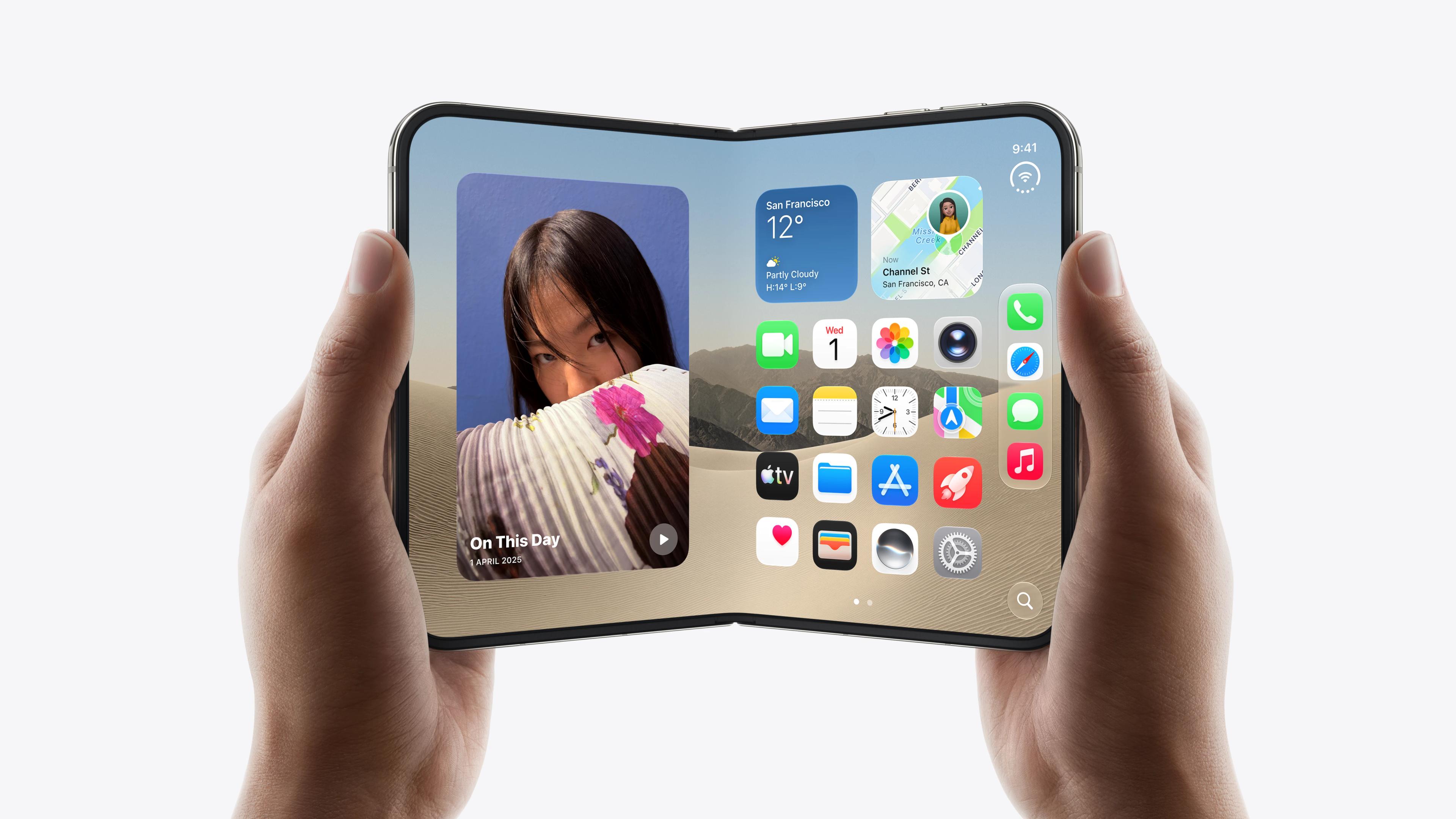
Apple's newly launched foldable handset, the iPhone Duo, has quickly become a massive hit, resulting in severe supply shortages for the company. Because the device relies on side-mounted Touch ID instead of Face ID for authentication, users must adapt to pressing a physical sensor to unlock the phone, authorise payments, and access secure applications. As reported by TechCrunch, configuring your device correctly can make the transition back to fingerprint scanning significantly smoother.
To combat the awkwardness of holding a foldable phone in various orientations, owners should register multiple fingerprints from both hands. Users who also wear an Apple Watch can bypass the sensor entirely by enabling the automatic unlock feature in the device settings. Additionally, turning on the accessibility option known as Rest Finger to Open allows you to wake the device with a gentle touch rather than a firm press.
Improving Everyday Usability
Beyond biometric security, several interface adjustments can enhance daily interactions with the passport-shaped foldable display. By default, the hardware volume buttons remain fixed regardless of how the phone is rotated, but users can disable this to let the volume controls dynamically shift with the device orientation. Taking screenshots can also be streamlined by setting up a Back Tap gesture in the accessibility menu, eliminating the need to fumble with awkward button combinations.
The Duo's wide layout also makes the Reachability feature particularly useful, allowing users to swipe the left or right edge of the display to bring hard-to-reach areas closer to their thumb. Furthermore, power users can build a custom automation inside the Shortcuts app to ensure the screen locks automatically the moment the foldable device is snapped shut. These minor adjustments help overcome the ergonomic hurdles of Apple's first foldable form factor.